
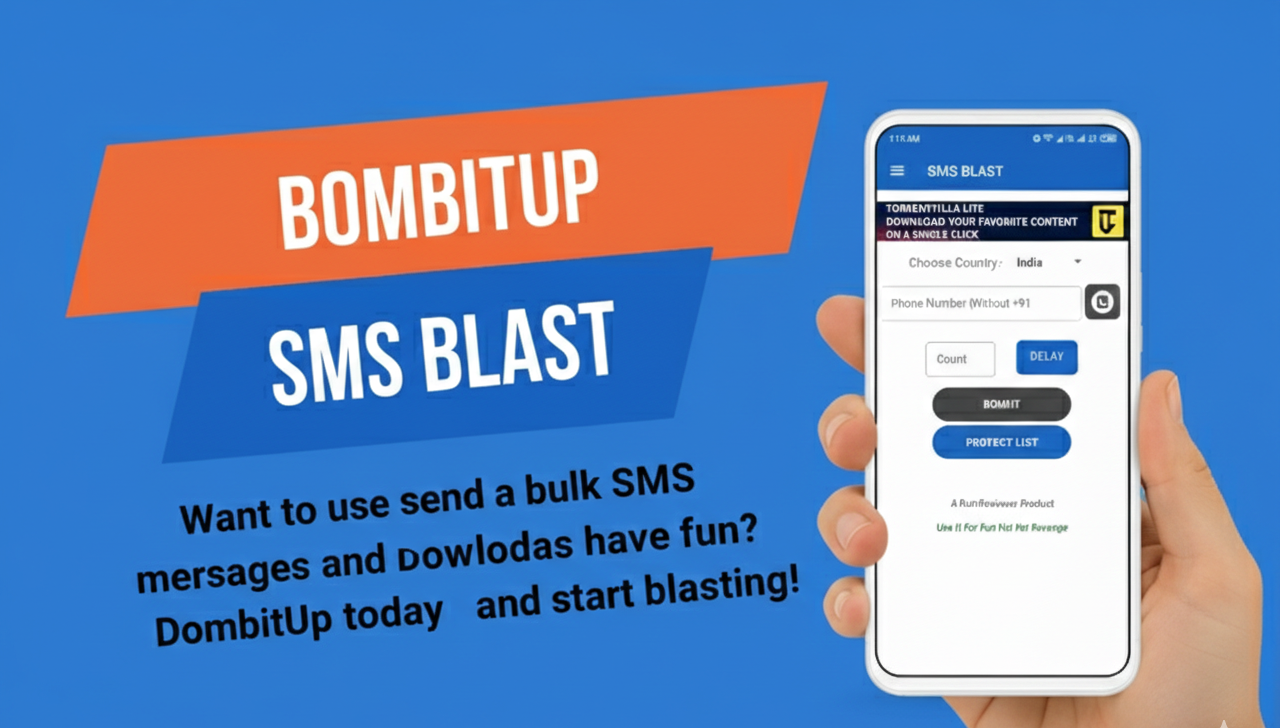
Latest Versions of BombitUp Apk (Best 2026)
Do you need a particular version of the BombitUp apk in the legacy? It is always natural that users are used to the streamlined functionality of the earlier release, or maybe you have discovered that the latest update does not match with the capabilities of your current device. However, the motive, you are not the only one who desires to roll back to a tested and proven version of this automation tool.

What is the Reason to go back to a past version?
The 2026 world of digital technology is fast and heavily based on software, so bloat (or complicated changes in the user interface) can be easily pushed out with very frequent updates, annoyed long-time users. This is because there are a number of practical reasons why you may be seeking an older BombitUp APK build.
Synergy with Hardware: In case you have an older Android device, the recent updates can be too resource-demanding. Older versions tend to be more optimised to use limited RAM and old processors.
Functional Familiarity: Sometimes, a developer may remove certain features which are considered pranks or alter the design of SMS and call modules. By keeping on using an old version, you are guaranteed that your favorite tools will be put at the same position that they were previously.
Performance Stability: New releases may have bugs in them sometimes on day one. The legacy builds are an established and tested environment which is already stressed within the community.
Installing your choice of version.
It is a rather simple procedure to gain a prior release, however, it is vital that you rely on reputable repository. The following is the way of restoring the app to its optimal level.
Find a Reliable Archive: Go to a reliable library of APKs or official archive directory to navigate the history of releases.
System Customization: Find an edition that fits your needs: It displays the version numbers of the most recent version that describes itself as highly rated (v4.0 series) and more.
Run the Setup: After being downloaded, it is just a matter of following the normal manual installation process.
Unofficial assistance: A Guide to Restoring the Classic Experience: How to Sideload BombitUp Legacy Builds. Going back to one of the older versions of the BombitUp APK is a tactical step towards users that appreciate the elegant simplicity or targeted functionality of the older versions. And either to improve the synergy with the existing hardware, or to just like a given interface design, these expanded steps will make the integration a smooth and safe process.
Steps of Download BombitUp apk old version
Selecting and Retrieving the Archive of your Choice:
The initial step in your process is to get the particular digital package that you need to use. This is a choice of the best version to use on your machine, not merely a simple download.
- Find the Repository: Click on the verified repository above and navigate the chronological index of the available builds.
- At the Retrieval stage: After locating your target version (i.e. an extremely stable legacy build), activate the Download protocol. This will initiate the process of transferring the APK file directly into your local drive.
- Confirmation: Please verify that the file transfer has been completed 100 per cent to ensure that it will not have any Parsing Errors in the next stage of setup.
Licensing the Installation Environment:
The current Android operating systems (Android versions up to 2026) place significant emphasis on security through preventing third-party apps. You will need to give Special Access to your source application in order to continue.
- Access System: Visit the Settings menu of your device.
- Go to Advanced permits: Find the section of the apps or app management and scroll down until you see special app access.
- Allow Unknown Apps: Choose the option of the specific tool you used to download a file (most of the times it is Chrome, Firefox, or your File Manager).
- Toggle Authorization: Turn the allow from this source position to the ON.
Implementation of the Package:
The file is now secured, permissions granted and you are now ready to complete the set up. The raw APK file is converted into a fully functional home screen application by this process.
- Find the Package: Open up the File Manager or downloads folder on your device. Locate the BombitUp apk icon that has your selected version number.
- Activate the Installer: Click the file to invoke the system installer. An install prompt will come along with the question of whether you want to install the application.
- Install the Setup: Click on the Install and leave the system unpacking the data a few moments. When the confirmation is received that the app has been installed, you may decide to make an immediate launch.
Conclusion
Choosing a BombitUp legacy build is the best way to reclaim the streamlined performance and classic features you prefer. By bypassing the “feature creep” of modern updates, you ensure a faster, ad-light experience that perfectly suits your device.
Simply follow the installation steps to bridge the gap between your modern hardware and the battle-tested stability of the past. Your ideal version is ready—just remember to prioritize digital ethics and use the tool responsibly.